

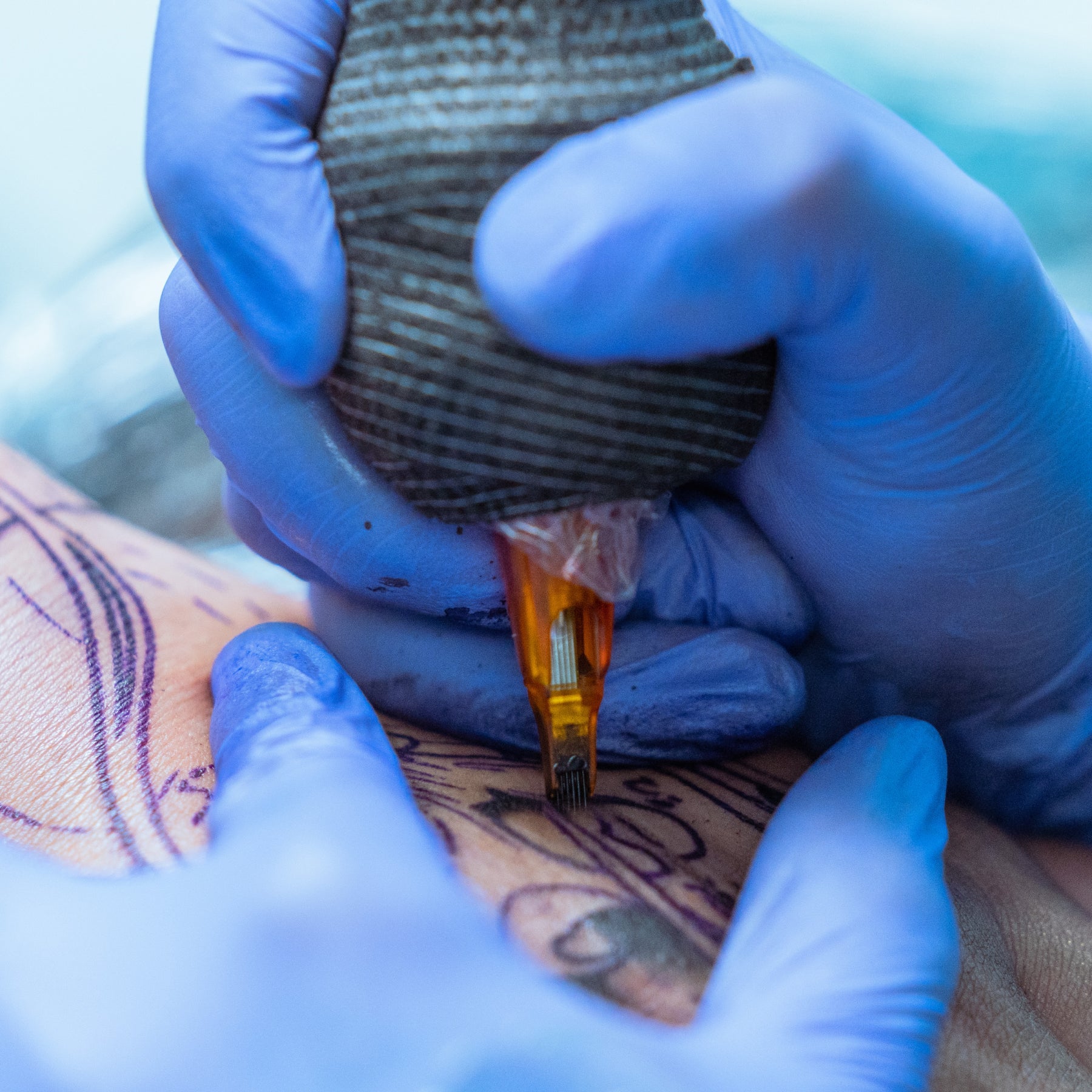
Tattooing for hours at a time can take a toll on your hands, especially when your machine vibrates more than it should. Between gripping your machine, controlling your movements, and working at awkward angles, even small amounts of unnecessary strain can add up over a long session. The good news is, a few adjustments to your setup and technique can help reduce vibration and keep your hands more comfortable while you work.
From choosing the right grip and balancing your machine's weight to checking for excessive vibration, we'll walk you through practical ways to reduce hand fatigue without compromising how you tattoo.
Step 1: Find the Source of Unwanted Vibration
If your tattoo machine suddenly starts vibrating more than usual, think about what you last changed in your setup. Did you just swap cartridges, replace the battery, or reattach your grip? One of those connections could be the culprit.
Before inspecting anything, power down your machine and follow your manufacturer's instructions. Here's what to check:
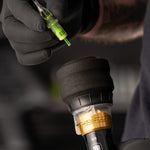
- Cartridge fit: Confirm that the cartridge is compatible and fully seated in its locking mechanism.
- Grip attachment: Make sure the grip is correctly installed and secure without forcing or overtightening it.
- Power connection: Check that the battery, battery housing, or cable connection is properly fitted.
- Cartridge condition: If you suspect a cartridge issue, try a fresh, compatible one while maintaining your infection-control procedures.
Our tattoo machine user manualsOpens a new window walk you through proper assembly, adjustments, and maintenance for your specific FK Irons machine, so you can troubleshoot vibration issues with confidence.
Know When to Contact Support
If your machine is making unusual noises, overheating, or vibrating excessively, something may need attention beyond a simple adjustment. If you've checked the external connections and can't identify the issue, it's best to request machine serviceOpens a new window before using it again.
Avoid opening the motor housing, modifying cartridge membranes, or adding lubricant in an attempt to quiet your machine. Only lubricate components when your manufacturer specifically recommends it. For example, our EXO manual advises against lubrication unless instructed otherwise.
Once you've ruled out mechanical issues, it's time to look at how your machine feels in your hand and what you can do to make longer sessions more comfortable.

Step 2: Choose a Grip That Fits Your Hand
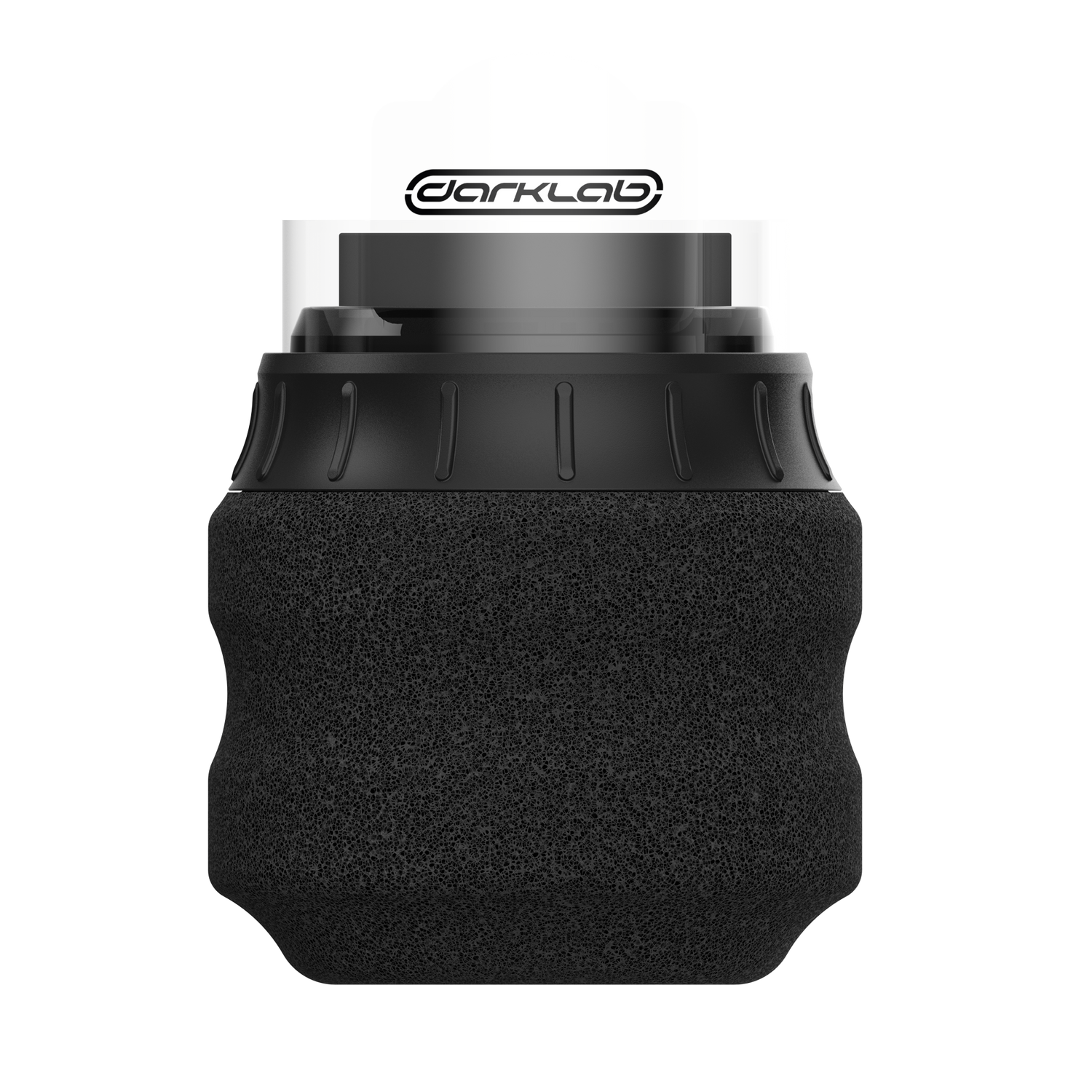
The right grip should feel secure and comfortable in your hand without forcing you to hold on with a painful death grip. If your grip is too narrow, you might find yourself pinching it to maintain control. Go too wide, though, and your fingers may feel awkwardly stretched. It's all about finding a size that feels natural for your anatomy, and the way you tattoo.
Shape makes a difference, too. Pay attention to where your fingers rest on any given grip, and whether certain edges or contours create uncomfortable pressure as you work. Sometimes switching to a different grip shape or texture can make a bigger difference than simply sizing up.
When comparing grips, wear your usual tattoo gloves and use your normal barrier setup so you can get a realistic feel for each option. As you practice, ask yourself:
- Does the grip feel comfortable and secure?
- Can you guide your machine without gripping too tightly?
- Can you maintain control without constantly readjusting your hand?
Explore our selection of tattoo gripsOpens a new window to find a fit that works for you. Our 33mm disposable tattoo gripsOpens a new window, for example, are worth considering if you're looking for a different diameter. Just make sure your choice is compatible with your machine and follow the appropriate single-use or reprocessing guidelines.
Step 3: Assess the Complete Machine’s Balance
If the grip fits comfortably but the machine still takes effort to steady, look at where its weight sits.
The battery, grip, and your hand position all affect balance. A machine that feels manageable when held upright may take more effort to guide at another angle. Therefore, machine weight alone doesn’t tell you everything about how it will feel when you’re tattooing.
That in mind, assess your setup with the cartridge, grip, battery or cable, and barriers attached. Note if it feels balanced or uncomfortable. Also, during tattoo practice, notice if you’re tightening your fingers to counter a tipping sensation. If you find yourself constantly adjusting your grip to keep the machine steady, try changing how the weight is distributed to find a more comfortable balance.
Your power setup plays a role in that balance, too. Going wireless eliminates the drag of a cord, but the added weight of a battery can change how your machine feels in your hand. Neither setup is automatically more comfortable, so it's worth considering which works best for your tattooing style.
For a closer look at how weight distribution, balance, and motor feedback affect your experience, explore our guide to why tattoo machines feel different in your handOpens a new window.
Step 4: Match Your Settings to the Technique
Your machine's settings can make a difference in how much vibration you feel and how comfortable your hand stays throughout a session. If your machine is running too aggressively for the work you're doing, you may experience more vibration than necessary. On the other hand, running your voltage too low can make your machine struggle with certain needle configurations, affecting how smoothly it operates.
Finding the right balance can help you maintain better control without putting unnecessary strain on your hand. When matching your settings to different needle groupingsOpens a new window, consider your hand speed, technique, and machine's recommended operating range.
Experiment with small adjustments on practice skin to find settings that feel smooth and comfortable while delivering the performance you need. After all, the less you have to fight your machine, the easier it is to stay relaxed and in control during longer sessions.
Step 5: Adjust Your Workstation to Reduce Strain
Even the most comfortable tattoo machine won't prevent hand fatigue (or overall fatigue) if you're constantly reaching, twisting your wrist, or working at awkward angles. How you position yourself and your client can make a big difference in how much strain you feel during a long session.
Keep these adjustments in mind:
- Client positioning: Bring the tattoo area within easy reach.
- Chair and bed height: Avoid hunching or raising your shoulders.
- Lighting: Keep your work visible without leaning closer.
- Arm support: Support your forearm when practical.
- Supply placement: Keep essentials accessible while maintaining hygiene.
As you move through different areas of the tattoo, don't hesitate to reposition yourself or your client. Small adjustments throughout the session can help keep your wrist comfortable, your grip relaxed, and your hand from tiring out too quickly.
Step 6: Give Your Hands a Break
Even with a comfortable setup, holding your machine for hours can leave your hands feeling stiff and tired. Take advantage of natural pauses between tattoo sections or client breaks to put your machine down, relax your fingers, roll your shoulders, and give your hands a chance to recover. You should walk around too, maybe give yourself a little shake or stretch.
Pay attention to how you're feeling throughout the session, too. If you notice yourself gripping tighter or holding your wrist at an uncomfortable angle, make an adjustment before continuing. And if you experience persistent pain, tingling, numbness, or weakness, stop tattooing and seek medical advice rather than trying to push through it.

Step 7: Fine-Tune Your Setup for Less Vibration and Fatigue
By now, you've got several ways to make your setup more comfortable and reduce unnecessary vibration. The trick is figuring out which adjustments make the biggest difference for you, whether that's switching grips, improving your machine's balance, changing your working position, or addressing a mechanical issue.
Before your next session, run through this quick checklist:
- Your cartridge, grip, and battery are securely attached.
- Your grip feels comfortable without excessive pressure.
- Your machine feels balanced in your hand.
- Your settings deliver smooth, controlled performance.
- Your workstation allows comfortable movement and positioning.
- You're taking breaks to give your hands a rest.
Pay attention to which changes actually help you feel less fatigued. The more you understand what works for your hands and tattooing style, the easier it'll be to create a setup that keeps you comfortable through longer sessions.
Explore Your Next FK Irons Setup
If you're ready for a machine that feels more comfortable in your hand, explore our wireless tattoo machinesOpens a new window. Compare each model's weight, balance, battery configuration, and compatible grips to find the right fit for your tattooing style. Have a specific setup in mind? Contact us for help confirming compatibility before you buy.