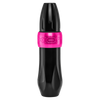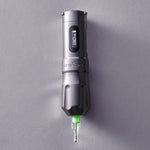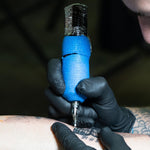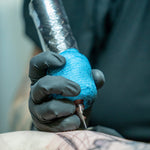


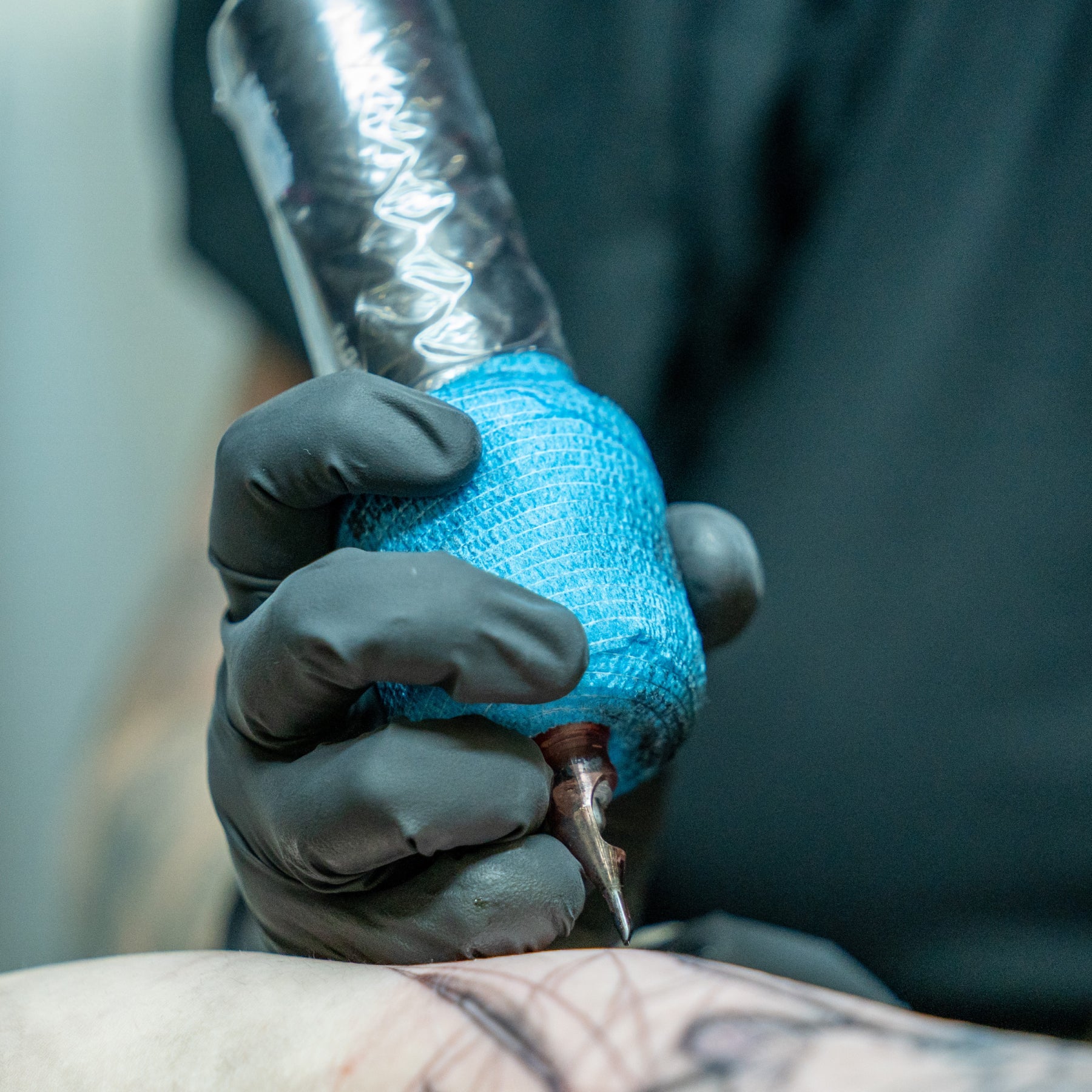
Tattoo machine problems rarely come out of nowhere. More often, you’ll notice small changes first: inconsistent power, excess heat, a weaker hit, or a connection that cuts in and out.
Knowing what those signs mean can help you troubleshoot faster and prevent equipment issues from derailing a session. Here are the most common tattoo machine problems, what causes them, and what to check first.
Weak or Inconsistent Needle Movement
What it looks like: Needle movement looks weak, sluggish, or inconsistent, even when you adjust the machine settings.
Here’s what to look at:
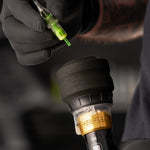
- Check the cartridge: Make sure the cartridge is fully inserted and locked into the grip. The machine's drive bar needs proper contact with the cartridge plunger to transfer motion to the needle assembly. A loose or improperly installed cartridge can cause weak or inconsistent needle movement. Remove it, reinstall it securely, and test the machine again.
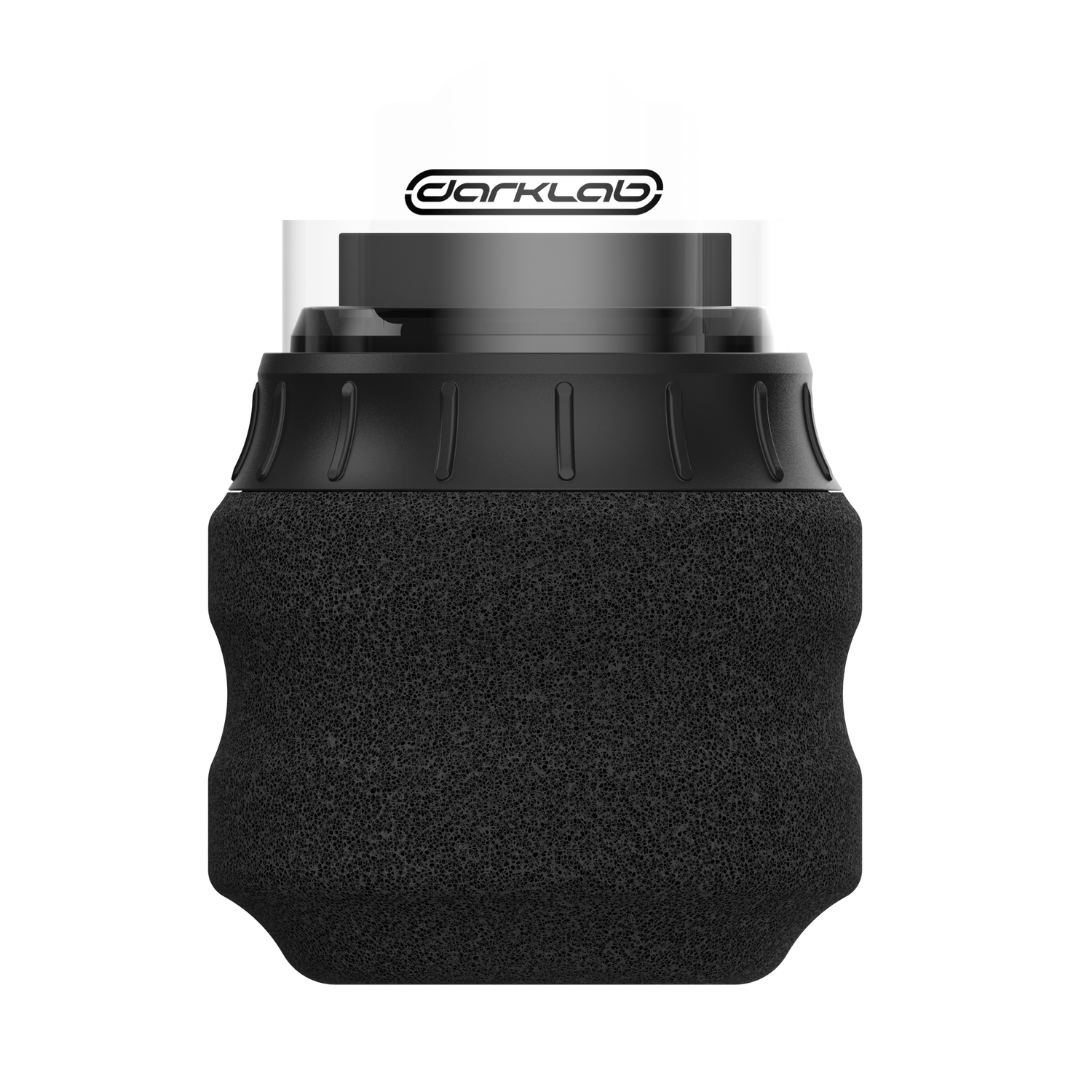
- Check your tattoo grip If the grip is threaded too tightly and you compress the cartridge body enough to restrict movement. Too loose and the cartridge shifts under load. Worn threads on an older gripOpens a new window can also stop it from holding tension at all.
- Check your give setting: More give softens the hit when the needle meets resistance, which can be useful on thin or sensitive skin. But if the machine feels too soft or struggles against tougher skin, try reducing the give for a firmer, more direct hit.
- Cam bearing or slider wear: Both wear down over time and produce an uneven stroke.
Quick test: Run the machine without a cartridge in the grip, and watch the drive bar. It should move freely and evenly, without sticking or stuttering.
On coil machines, check the springs and contact screw instead:
- Contact gap: Check the spacing and alignment between the contact screw and front spring. Incorrect adjustment can change how the machine runs or keep it from running properly.
- Springs: Inspect the front and rear springs for cracks, fatigue, bending, or other damage that could affect armature bar movement.
- Contact screw: Check the contact point for wear, buildup, or damage, and make sure it's properly aligned with the front spring.
Machine Cutting In and Out or Losing Power

What it looks like: The machine loses power intermittently during use or shuts off unexpectedly, then starts working again.
On a wired setup:
- The cord: Check the clip cord or RCA cable for damage, especially near the connectors and other areas that flex frequently. Internal wire damage or a loose connection can cause intermittent power.
- The RCA connection: Make sure the plug fits securely in the jack. If either the plug or jack feels loose, try a known-good cord first to determine whether the problem is the cable or machine.
- The contacts: Check plugs, jacks, clip-cord terminals, and coil-machine binding posts for dirt, corrosion, or damage that could interfere with the electrical connection.
- The power supply: If the cord and connections check out, test the machine with a known-good power supply. An unstable or failing supply can cause inconsistent machine performance.
Quick test: With the machine running, gently move the cord near each connector. If the machine consistently cuts out when the cord moves in one area, swap in a known-good cord before troubleshooting the machine itself.
On a wireless setup:
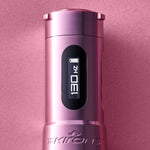
- Battery contacts: Check the contacts on both the battery and machine for residue, corrosion, or damage, and clean them according to the manufacturer's instructions.
- Battery condition: Rechargeable batteries lose capacity and performance with age and repeated charge cycles. If a fully charged battery is shutting down prematurely or delivering noticeably shorter runtime, test the machine with another compatible battery.
- Charging setup: If the battery isn't charging fully, check the charging cable, adapter, and charging port before assuming the battery itself has failed.
Rechargeable batteries don't last indefinitely. If your machine uses removable packs, keeping compatible spare batteriesOpens a new window charged can prevent a battery problem from ending a session.
Machine Running Too Fast or Too Slow
What it looks like: Your machine and hand speed feel out of sync. Lines may require multiple passes, or saturation takes more work than usual.
Speed problems are often a setup issue rather than a problem with the machine itself. If the machine isn't performing the way you expect, look at how your needle configuration, stroke, and operating speed work together.
- Needle configuration: Different groupings put different loads on the machine and behave differently in the skin. Larger groupings generally create more resistance than smaller ones, but that doesn't translate to one universal voltage adjustment. Start with the manufacturer's recommended range and adjust for the cartridge, technique, and skin you're working with.
- Stroke lengthOpens a new window: Shorter strokes are commonly used for softer shading and more controlled work, while longer strokes generally produce a stronger hit suited to lining and packing. Mid-range strokes offer a versatile balance for artists who switch between techniques. Exact ranges and performance vary by machine.
- Voltage or speed: Adjust gradually until the machine speed works with your hand speed and technique. Don't assume a particular needle grouping automatically requires a specific voltage; machines and motors respond differently under load.
Quick test: If performance changes noticeably once the needle meets resistance, first rule out the cartridge and setup. If the machine consistently slows or struggles under normal load with multiple cartridges, stop using it and check the manufacturer's troubleshooting guidance or have it serviced.
A machine's ability to maintain performance under resistance is influenced by motor torqueOpens a new window, which is one reason two machines running at the same voltage can feel very different.
Weak or Inconsistent Ink Flow

What it looks like: Patchy saturation, color that won't build, and areas you have to work over three or four times.
Check these first:
- Needle hang: Check how far the needle extends from the cartridge tip. Too much or too little hang can make it harder to maintain consistent control and pigment delivery. Adjust it for your technique, needle configuration, and the area you're tattooing. Learn more about needle depthOpens a new window and setup here.
- Cartridge condition: If pigment has dried in the cartridge or the needle isn't moving freely, replace it. A damaged or malfunctioning membrane can also interfere with smooth needle movement.
- Cartridge quality: Inconsistent needles, membranes, or manufacturing tolerances can affect how a cartridge performs. If the problem keeps happening with one cartridge or batch, swap in a new, trusted cartridge and compare.
- Machine speed: Make sure your machine speed matches your hand speed and technique. If they're out of sync, you may struggle to achieve consistent saturation without overworking the skin. Adjust gradually rather than assuming faster or slower is always better.
- Compatibility: Make sure the cartridge is compatible with your machine and grip. Cartridge dimensions and membrane tension can vary between manufacturers, and some combinations may not perform properly even when they physically fit.
Excessive Vibration or Unusual Noise
What it looks like: Your machine suddenly sounds or feels different—more vibration, a new rattle, or an unfamiliar noise during operation.
A new noise or vibration is worth investigating. Start with the external components before assuming there's a problem inside the machine.
- Check the setup: Make sure the grip and cartridge are secure. On a coil machine, check that the tube is properly secured in the vise and that accessible hardware hasn't worked loose.
- Swap the cartridge: A noisy or poorly fitting cartridge can create extra vibration or rattling. Try a new cartridge to see if the sound disappears.
- Check for buildup: Follow the manufacturer's cleaning instructions and inspect accessible areas for ink, debris, or residue that could interfere with moving components. Don't disassemble the machine unless the manufacturer recommends it.
- On coil machines: Check the springs, armature bar, contact screw, and other adjustable hardware for looseness, damage, or changes in alignment.
Machine Overheating
This one’s a sensation that’s hard to miss: if the machine’s too hot to hold and performance keeps dropping as it overheats, you’ve got a problem.
Check these first:
- Voltage: Make sure you're operating within the manufacturer's recommended range. Higher voltage increases machine speed, and pushing the machine harder than necessary can add stress over a long session.
- Machine settings: If your machine has adjustable give or other performance settings, make sure they're appropriate for your setup. Give changes how the machine responds when the needle meets resistance, but it isn't accurate to say the wrong setting inherently makes the motor “fight the skin.”
- Session length: Some warmth during extended use can be normal, but a machine that becomes unusually hot, heats up faster than it used to, or repeatedly overheats should be taken out of use and checked. Prolonged overheating can accelerate motor wear.
What to do: Stop using the machine and let it cool. Before starting again, check your voltage, cartridge, and machine settings against the manufacturer's recommendations. If excessive heat returns under normal use, don't compensate by continuing to adjust the voltage—have the machine inspected or serviced.
Keeping a backup machine ready can also keep an overheating issue from ending the session.
Sparking or Electrical Irregularities
What it looks like: A coil machine is producing more sparking than usual at the contact point, or the machine starts running inconsistently.
Some arcing (electrical sparking across a small gap) is normal on a coil machine. It happens where the contact screw meets the front spring. If the sparking becomes excessive or performance changes with it, check:
- Contact points: Inspect the contact screw and front spring for buildup, pitting, or excessive wear that could interfere with consistent contact.
- Contact gap and alignment: Make sure the contact screw is properly positioned against the front spring and that the machine is tuned correctly. The contact needs to make and break cleanly for the circuit to operate.
- Connections: Check the binding posts and other accessible electrical connections for looseness, corrosion, or damage.
- Capacitor: A damaged or failing capacitor can affect how a coil machine runs, but don't diagnose the capacitor from sparking alone. If the contacts and tuning check out and the problem persists, have the machine inspected.
On a rotary or wireless machine, visible electrical sparking isn't part of normal operation. Stop using the machine, disconnect it from power, and follow the manufacturer's service recommendations.
Prevent Problems Before They Start
Basic tattoo machine maintenanceOpens a new window can prevent many common performance issues.
- Clean after every session: Follow the manufacturer's instructionsOpens a new window for your specific machine.
- Check connections: Keep cables, battery contacts, and charging components clean and dry.
- Inspect for wear: Regularly check cables, batteries, cartridges, and other components for damage or declining performance.
- Follow service guidelines: Lubricate or service your machine only as recommended by the manufacturer.
- Use compatible components: Stick with quality cartridges, needles, and replacement partsOpens a new window designed to work with your setup.
When to Stop Troubleshooting
Some problems need professional service. Stop using your machine if it overheats, behaves unpredictably, or shows signs of an electrical problem. Don't open or modify internal components unless you're qualified to service that model.
If basic troubleshooting doesn't solve the problem, use an authorized service centerOpens a new window.
Keep Your Machine Running Right
Pay attention when your machine suddenly sounds, feels, or performs differently. Catching small problems early—and keeping up with basic maintenance—can help prevent bigger problems later.
Need a machine built for consistent performance? Explore FK Irons tattoo machinesOpens a new window.