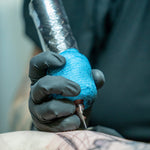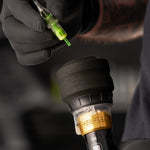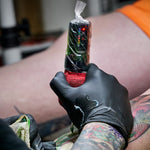


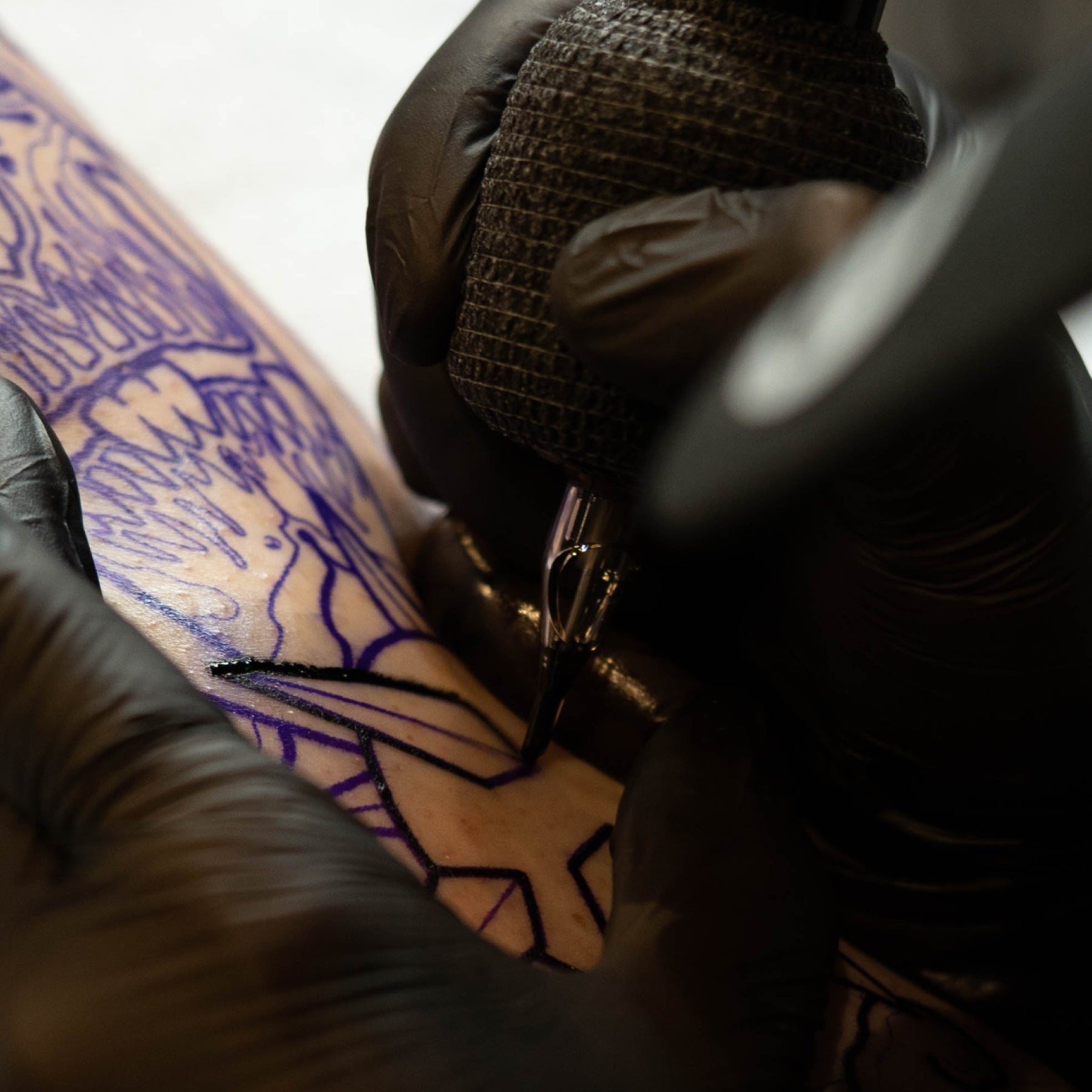
Every pass involves two speeds: how quickly your needle cycles and how quickly your hand moves across the skin. Their relationship helps determine how closely those needle entries are spaced, from a solid outline to an open stipple pattern.
Understanding the relationship helps you make more deliberate adjustments. Before changing voltage or swapping cartridges, get clear on what each speed controls and how it affects your work.
What Is Tattoo Machine Speed?
Machine speed is the needle’s cycle rate. Hertz (Hz) measures cycles per second, so 100Hz means 100 complete up-and-down cycles each second.
On a voltage-controlled rotary machine, raising voltage generally increases that rate. However, voltage measures electrical potential difference, not power or speed. The motor, control electronics, and load from the cartridge and skin affect the resulting cycle rate.
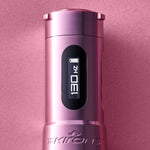
A hertz display gives you a more direct reference for cycle rate, but check your manual to understand what the readout represents. Don’t assume every display measures needle movement under load. Our breakdown of tattoo machine hertz and voltageOpens a new window explains the two readings in more detail.
How Stroke Length Affects Needle Travel and Cycle Rate
Stroke length is the distance between the needle’s fully retracted and fully extended positions.
At the same cycle rate, a longer stroke makes the needle travel farther in the same time, increasing its average travel speed. It does not add cycles per second. A stroke change can also affect load and feel, but its effect on cycle rate at a given voltage depends on the machine.
Neither stroke nor voltage directly sets your working depth. Your working needle depth refers to how far your needles actually enter the skin, and it’s influenced by a variety of factors.

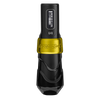
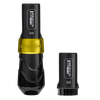
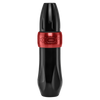
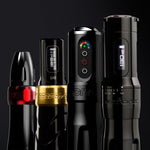
Speed and Stroke Controls on Flux Max, FK ONE Adjust, and Xion
Different machines offer different ways to adjust your setup:
- Flux MaxOpens a new window: Offers fixed 3.2mm, 4.0mm, and 4.5mm stroke versions. PowerBolt II provides volts or hertz display options and adjustable eGive to change needle response.
- FK ONE AdjustOpens a new window: Offers adjustable stroke from 2.0mm to 5.0mm in 0.5mm increments and displays volts or hertz.
- XionOpens a new window: Includes interchangeable 3.2mm and 3.7mm stroke wheels and works with an external power supply. Stroke changes are mechanical, while speed adjustments happen through your power source.
What Is Hand Speed in Tattooing?
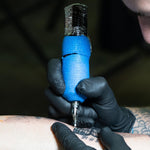
Hand speed is how quickly you move your tattoo machine across the skin while making a pass.
Your grip, range of motion, working position, and experience all affect how quickly you can move while maintaining control. Your hand speed will also change depending on what you’re doing. Lining, shading, and packing each call for a different pace, so focus on developing consistent hand speed for each technique rather than using the same speed throughout a tattoo.
How Machine Speed and Hand Speed Work Together
One way to understand the relationship between machine speed and hand speed is to look at machine cycles per millimeter of hand travel:
Cycle rate (Hz) ÷ hand speed (mm per second) = cycles per millimeter
A higher number means more needle cycles occur over the same distance; a lower number means fewer cycles occur. These examples illustrate the relationship only. They are not recommended settings.
|
Machine cycle rate |
Hand speed |
Cycles per millimeter |
|
100Hz |
10mm per second |
10 |
|
100Hz |
20mm per second |
5 |
|
150Hz |
10mm per second |
15 |
This is a simplified model that assumes a consistent machine speed and hand speed, with the needle grouping entering the skin once per cycle. It measures how often the grouping cycles over a given distance—not the number of individual needle punctures or how much ink enters the skin. Needle configuration, depth, angle, ink flow, and overlapping passes all affect the actual result.
When Machine Speed and Hand Speed Are Well Matched
You can achieve consistent results without overworking or underworking the skin. That might mean a clean, even line, a smooth gradient, or solid color coverage. “Matched” does not mean using equal speeds or finding one ideal ratio. Different techniques require different combinations of machine speed and hand speed.
When Your Hand Moves Too Fast for the Machine’s Cycle Rate
Needle entries are spaced farther apart, which can cause broken lines or uneven coverage. However, weak or patchy saturation can also come from poor stretch, inconsistent depth, restricted cartridge movement, or ink-flow problems.
The same symptoms can make a setup feel weak. Our guide to why a tattoo machine can feel underpoweredOpens a new window helps separate technique issues from equipment problems.
When Slow Hand Speed Creates Excessive Needle Overlap
Moving slowly while running your machine at a high cycle rate means the needles enter the skin more times over the same area. Pausing in one spot or making repeated passes increases that exposure even further.
If the skin becomes excessively irritated, stop and reassess your technique. Irritation alone does not tell you whether machine speed, hand speed, depth, pressure, or repeated passes are responsible. And once skin is overworked, simply changing your settings does not make it ready for another pass.
How to Match Tattoo Machine Speed to Your Hand Speed
Use a repeatable process so you know what helped:
- Choose the technique and cartridge. Select the grouping or configuration you need to handle whatever it is you’re taking on (lining, packing, shading, etc).. Needle count, diameter, taper, and membrane resistance all affect how you’ll run your machine.
- Choose a suitable stroke. Use a familiar fixed stroke or select an adjustable setting appropriate to the task. Follow the manufacturer’s instructions when adjusting the stroke on your machine.
- Establish controlled movement. Rehearse unfamiliar movements on practice skin, which helps with coordination, but cannot predict living skin’s response.
- Start within the recommended operating voltage range. Use a familiar baseline for that machine and technique. Make a small adjustment using the increments available on your machine, changing only one variable at a time.
- Check your results and the skin. After making an adjustment, see how the skin responds before continuing. Pay attention to unexpected changes in motor sound or stalling, but don’t use sound alone to judge how the machine is performing.
- Record what works. Note the machine, stroke, cartridge, speed setting, and technique that worked for you in any given practice session. Likewise, note anything that didn’t work for you so you can learn from mistakes rather than repeating them.
Learn more about how your settings and needle configurations influence how you tattoo in our blog, “matching machine settings to needle groupingsOpens a new window.”
Machine Speed and Hand Speed for Lining, Shading, and Packing

Different techniques call for different combinations of machine speed and hand speed. The goal is not to find one perfect ratio, but to adjust both so you can achieve the result you want without repeatedly working the same area.
Lining: Match Machine Speed to Your Pull
When lining, keep your hand moving at a steady pace from the beginning to the end of each pull. Moving too quickly for your machine speed can leave a line inconsistent, while moving too slowly can put more needle entries into the same area.
Curves and detailed areas naturally change how quickly you can move. Position your hand and body before each pull so you can follow the line comfortably without slowing down or stopping midway.
Smooth Shading: Build Tone Gradually
For smooth shading, coordinate your machine speed with consistent hand movement and overlap between passes. The goal is to build tone gradually rather than repeatedly working one area to make it darker.
Your hand speed may change as you move from darker areas into lighter ones. Machine speed, stroke length, needle grouping, and technique all influence how quickly that gradient develops.
Color Packing: Maintain Consistent Coverage
When packing color, use consistent circles or back-and-forth movements with enough overlap to prevent gaps. Match your machine speed to a hand speed that lets you build solid coverage without lingering unnecessarily in one area.
Wipe periodically to check your progress. Ink sitting on the surface can make an area look more saturated than it is, so assess the actual coverage before making another pass.
Whip Shading and Stippling: Adjust the Space Between Marks
Whip shading and stippling rely more visibly on the relationship between machine speed and hand speed. If your machine speed stays the same while your hand moves faster, fewer needle cycles occur over each millimeter of travel, creating more space between marks.
With whip shading, your lifting motion also reduces needle contact as you move away from the starting point, helping create the fade. With machine stippling, adjusting machine speed and hand speed changes how closely the individual marks appear. Your depth, angle, and movement also affect the final texture.
Common Mistakes When Adjusting Tattoo Machine and Hand Speed
Avoid these shortcuts when adjusting your speed:
- Assuming slower hands always help: Slowing down may help when your hand is outrunning the machine, but it can worsen excessive overlap. Identify the problem before choosing the adjustment.
- Carrying every setting into the next technique: Reassess when the cartridge, movement, or intended finish changes. An adjustment may be useful, but it is not automatically required.
- Assigning settings by skin thickness alone: Body placement, elasticity, condition, and response vary. “Thicker skin needs more hits” is not a dependable rule.
Tattoo Machine Speed and Hand Speed FAQs
How do I know if my machine is too fast for my hand speed?
If your machine is cycling quickly while your hand moves slowly, the needles hit the same area more times. During shading, this may show up as darker areas where you slow down or pause. Keep in mind that depth, pressure, and overlapping passes can cause similar results.
Should I adjust voltage or hand speed first?
Start with your hand speed. If you’re rushing, slowing down unexpectedly, or struggling to maintain a consistent pace, focus on your movement before changing your machine settings. If your hand speed is steady but you’re still not getting the results you want, make a small adjustment to your machine speed.
Does stroke length affect how fast I need to move?
Stroke length can change how a machine feels and how the needle interacts with the skin, so you may need to adjust your hand speed after changing it. There is no universal rule that a longer stroke requires faster hand movement.
Why does saturation look different at the same voltage on different machines?
Voltage does not translate to the same machine speed or performance across every machine. Different motors and electronic systems respond differently at the same voltage. Stroke length, give, cartridge resistance, needle configuration, and your technique also affect how ink goes into the skin. Even two machines running at the same cycle rate can produce different results.
Find an FK Irons Machine That Fits Your Technique
Machine speed and hand speed work together. When you understand how changing one affects the other, you can make more deliberate adjustments for lining, shading, packing, and other techniques.
Start by finding your baseline settings with ourvoltage guideOpens a new window. Then explore our full machine lineupOpens a new window to find the right setup for the way you work.