

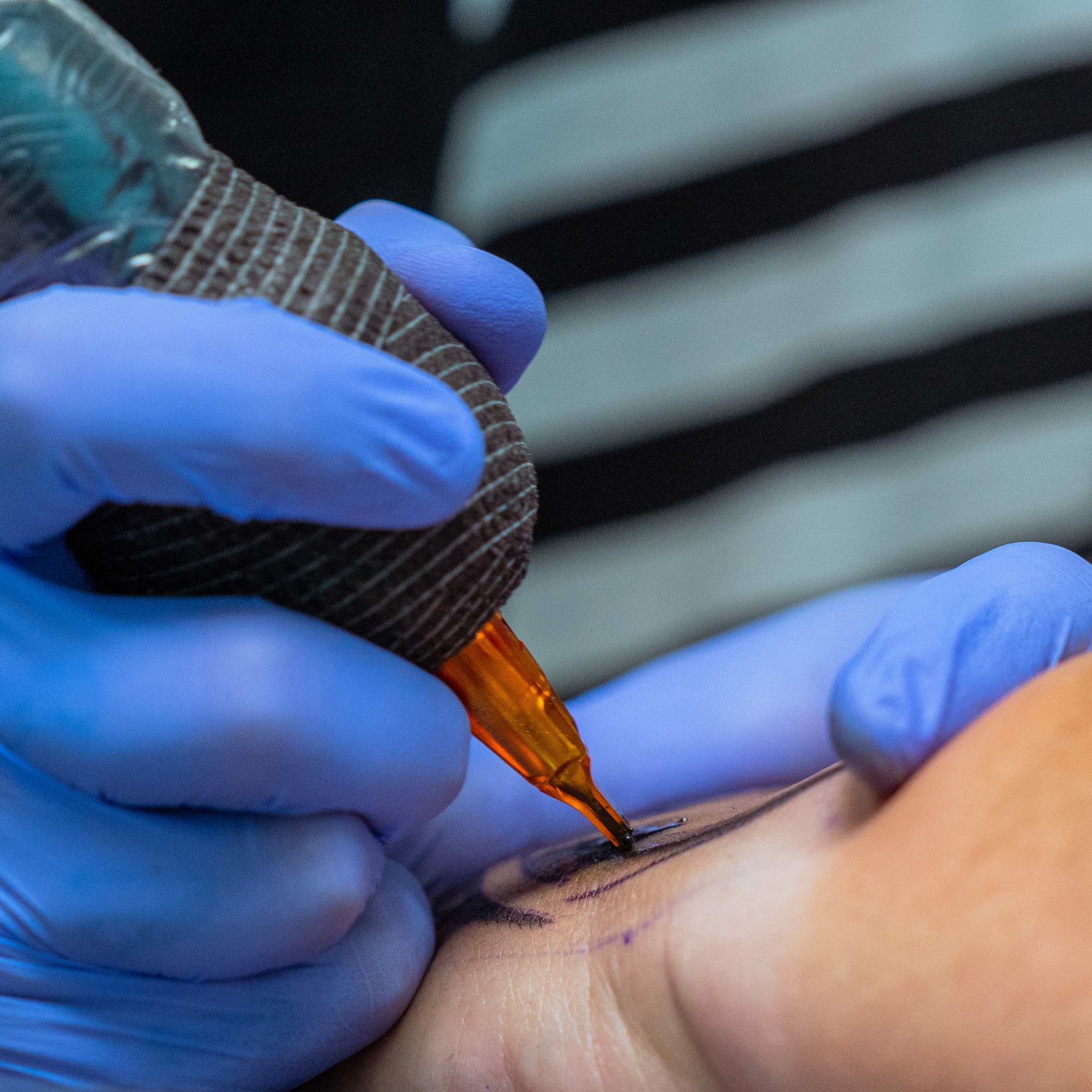
You know the feeling: one wonky line, and suddenly you’re thrown off your groove.
When your lines aren’t landing, it doesn’t always mean you’re messing up. Sometimes it’s your technique, sometimes your setup, and sometimes your machine is just getting tired—or worse, in need of servicing.
The key is to check each part of your setup and process before blaming yourself for inconsistent tattoo lines. Here’s your checklist to troubleshoot why you’re not pulling the lines you want.
The Fast Troubleshooting Checklist
Before you start second-guessing your skills, check the following to diagnose any easily fixable issues quickly:
- Your Needles: Check for a blunt tip, a bent grouping, or any side-to-side wobble.
- Your Cartridge Fit: Ensure the cartridge fits tightly in the grip without shifting.
- Your Voltage: Make sure your power matches your hand speed so your machine doesn’t bog down.
- Your Stroke and Cam: Double-check that your stroke length is long enough for the needle you’re using.
- Any Wear or Maintenance Needs: Look for loose parts, dry O-rings, or built-up debris.

Common Symptoms and Likely Machine Causes
Check out this more comprehensive checklist so you know exactly what might be causing your problems from the jump.
|
Symptom |
Likely Machine or Setup Cause |
|
Shaky lines |
Needle wobble, loose grip, cartridge movement, or vibration |
|
Broken or skipped lines |
Low voltage, weak hit, poor ink flow, unstable needle movement, or motor wear |
|
Uneven line weight |
Loose cartridge, inconsistent depth, power drops, or vibration |
|
Machine feels weak/stuttering |
Low power, weak motor, bad connection, wrong voltage, or worn parts |
|
Loud chatter or rattling |
Loose housing, poor cartridge fit, worn parts, or internal play |
|
Machine gets hot fast |
Motor strain, internal wear, poor maintenance, or buildup creating drag |
|
Ink flow feels blocked |
Dirty cartridge, dried ink, debris, or poor cartridge quality |
|
Lines heal patchy |
Inconsistent depth, poor saturation, skipping, or overworked skin |
A Quick Note on Budget Gear:If you’re using a cheaper machine that’s been with you for a while, you’ll probably notice these issues popping up sooner. Cheaper tattoo machinesOpens a new window can develop loose connections and weak motors faster, making it tough to work with confidence.

Other Steps You Can Take for Better Linework
If it isn’t your needles or faulty gear, it might be a setup issue… or your overall technique. Nevertheless, when your lines start skipping, you don't have to sit there and accept a bad session or subpar work. You can fix many common linework issues right at your station with a few quick adjustments. Before you call it quits, try these steps to get your machine running smoothly again:
Step 1: Clean and Clear the Drag
Built-up ink, dried pigment, and even paper fibers can cause friction inside the cartridge. That extra drag disrupts your ink flow and slows the needle. Keep your setup clean as you go. It definitely makes a difference.
Step 2: Refresh Your O-Rings and Lubrication
If your machine uses O-rings, swap them out as soon as they start looking dry or cracked. Stick to your manufacturer’s lubrication tips to keep everything running smoothly.
Step 3: Check Your Technique First
Before you start taking your machine apart, double-check your basics. Most shaky lines come from mismatched hand speed and voltage, not stretching the skin enough, or using the wrong needle depth. Learn more about how technique and settings affect your linework in our comprehensive blog here: How Machine Settings Affect Linework, Shading, and ColorOpens a new window
Step 4: Master Your Skills on Practice Skin
Never guess if a fix worked while you’re tattooing a client. Try your machine on practice skin after making any tweaks, so you know your lines are solid and steady.
When to Stop and Service Your Machine
You can fix a dirty cartridge or tweak a bad voltage setting in seconds. But you can’t fix a dying motor or busted internals right at your station.
If your machine still vibrates a lot, gets hot, or cuts out even after all these checks, it’s time to stop using it. A damaged tool won’t just mess up your work—it can also be rough on your client’s skin. Get it serviced by the manufacturer or consider upgrading your setup.
Invest in tools that give you total control and let you focus on building your legacy. The FK Irons Tattoo Machine CollectionOpens a new window has you covered with reliable machines that are built to last.