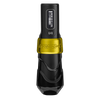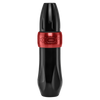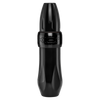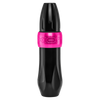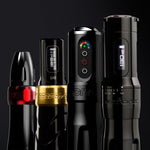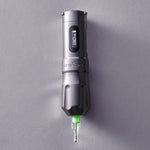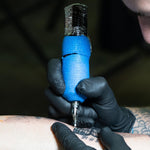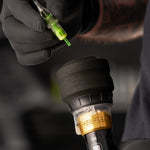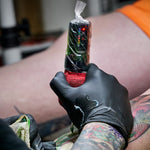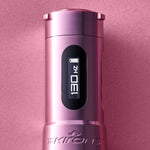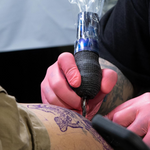


Cords are a constant headache. They tangle, drag on your wrist, and limit how you move around your client. It’s frustrating when a heavy RCA cable catches on your tray right as you’re pulling a critical line. We know the struggle: that "anchor" feeling can disrupt your flow and even mess with healed results.
Luckily, the industry has shifted toward cordless freedom. Wireless machines have changed the game, so let’s look at how they work and why they’re the top choice for the modern studio.
Wireless vs Rotary
It's easy to confuse these terms when you're just starting out, but the difference is simple. First, you need to know that all wireless machines are rotary machines. The term "rotaryOpens a new window" describes the drive system. This is the internal motor that moves your needle up and down. Instead of using magnetic coils like an old coil machine, a rotary uses a small motor to create a smooth, steady cycle. This drive system is a major reason why different tattoo machines feel different in your handOpens a new window.
"Wireless" simply refers to the power source. In the past, every rotary had to be plugged into a power supply with an RCA cord. But a wireless machine comes with power built in (or available without external units). In short, you can have a rotary machine that’s corded or one that’s wireless, but you won't find a wireless machine that isn't a rotary.
What Makes a Machine Wireless
At its core, a wireless machine is defined by what’s missing: the cords.
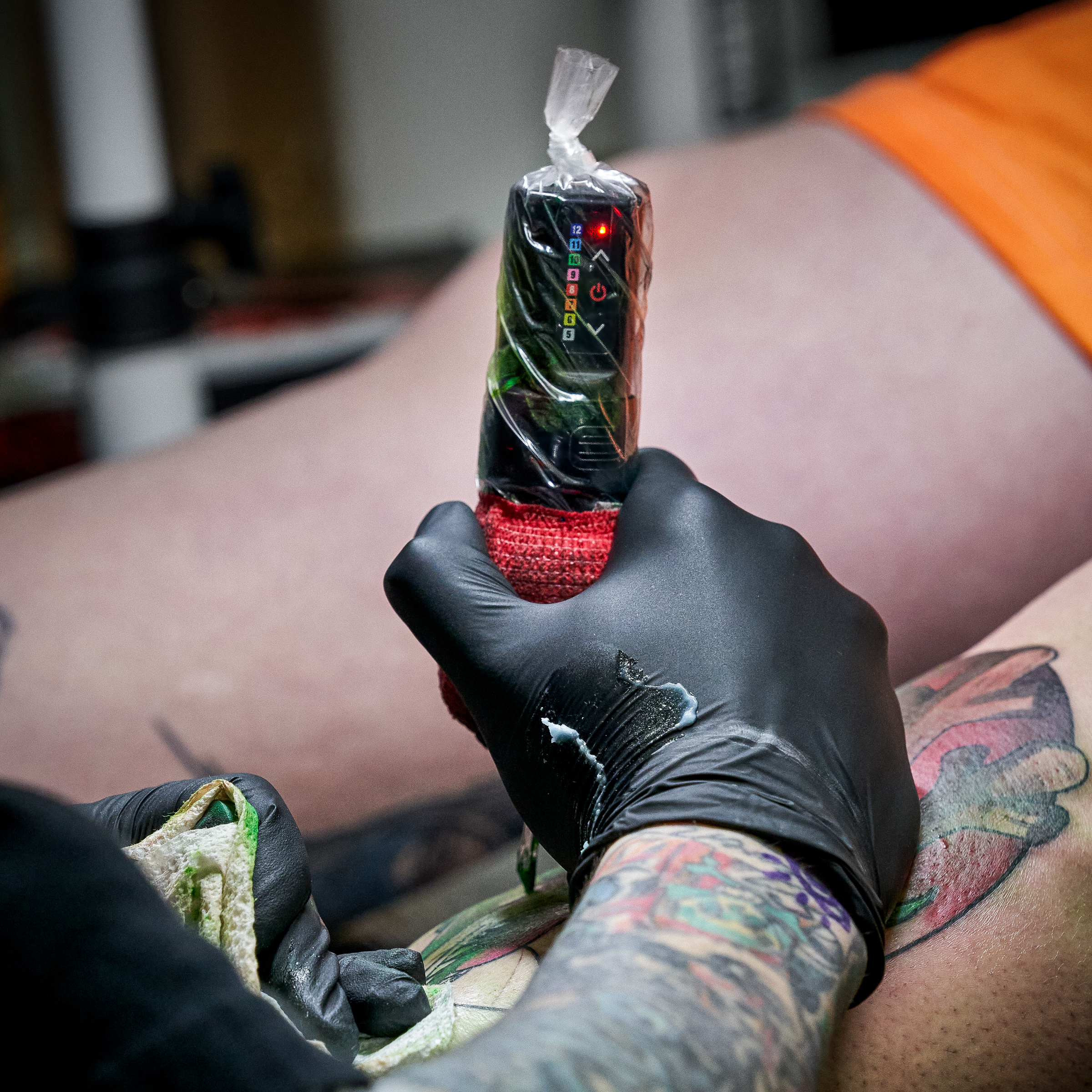
A compact, high-capacity battery is attached directly to the machine. This battery sends power straight to the motor. Because the power source is right there, you control everything via an on-board interface. By adjusting the voltage settingsOpens a new window, you change how much power the battery sends to the motor. This determines the speed and hit of the machine. It’s a self-contained ecosystem that puts all the control in your hands.
Battery Options: Built-in, Detachable, and Swappable
Choosing the right wireless tattoo machine battery setup is one of the most important decisions you’ll make. Not all wireless machines handle power the same way. We generally categorize them into three main styles: built-in, detachable packs, and swappable cells.
Built-in Batteries
In this design, the battery is built into the housing of the machine. It keeps things sleek and lightweight, but when the battery dies, the whole machine has to go on the charger—no quick swap.
Detachable Battery Packs
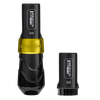
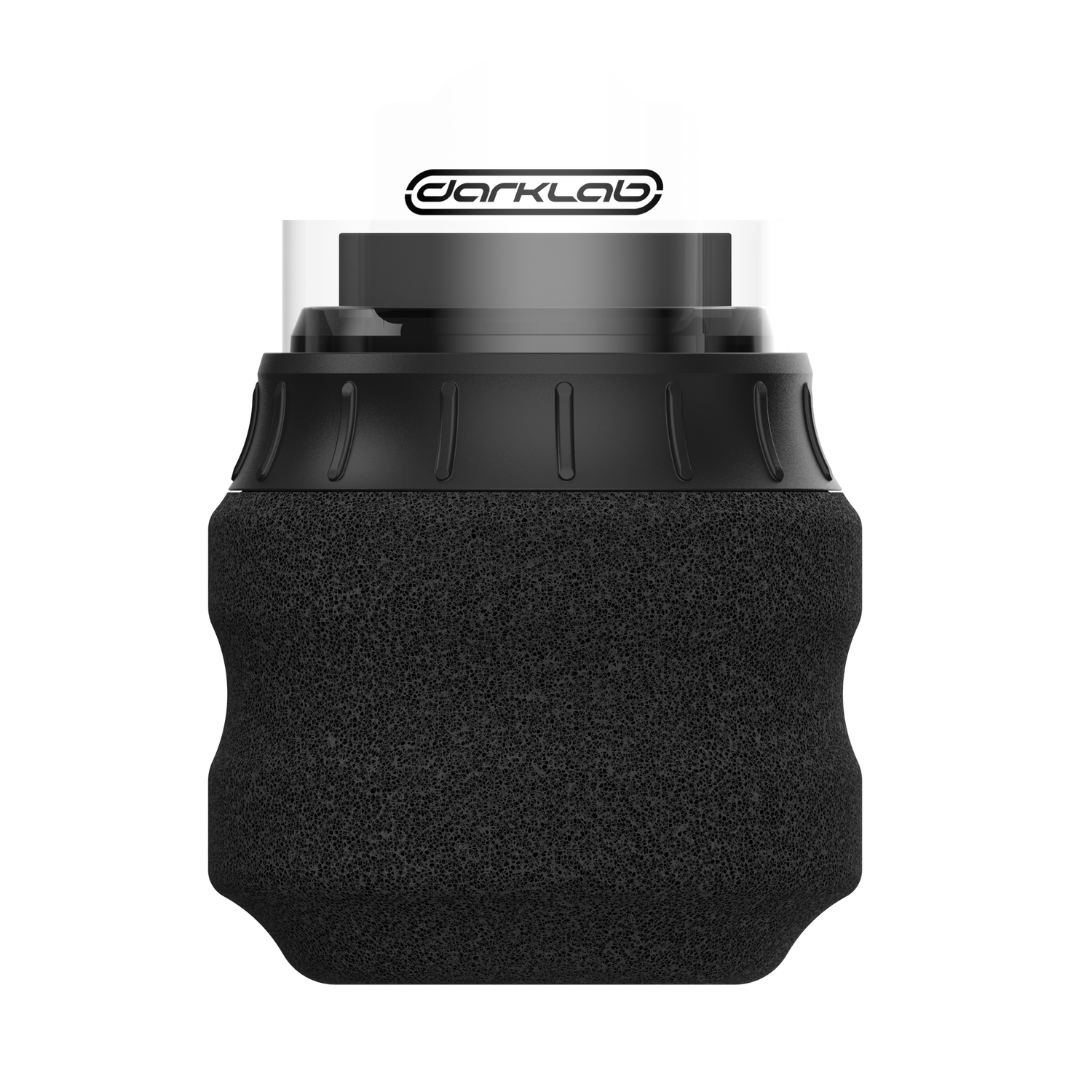
This is the system we use for our professional series, like the Flux MaxOpens a new window and the FK One AdjustOpens a new window. These machines use the PowerBolt series: a detachable "brain" that clicks onto the top of the machine.
The advantage here is speed. If your battery runs low during a long session, you don’t have to stop. You simply pop off the depleted PowerBolt and click on a fully charged one. This setup also makes it easier to bag and protect your equipment from cross-contamination because the battery and the machine body are separate components.
Swappable Battery Options
Some artists prefer a more "analog" approach to digital power. Machines like the FK ONEOpens a new window use a swappable, drop-in battery system. Instead of replacing the entire top of the machine, you just unscrew a cap and slide in a fresh battery cell.
This is often the most cost-effective way to ensure you have enough juice for a full day of work. You can keep a few extra charged cells on your station, so you never have to worry about a cord or a dead machine. It gives you the ultimate peace of mind during those marathon sessions.
Voltage Control and Bluetooth Features

One of the biggest advantages of modern wireless machines is the level of precision they offer. You’re no longer tethered to a dial on a power box; instead, you have a "smart" machine that can be fine-tuned to your exact style.
Physical Controls and Digital Screens
Most professional wireless machines, such as the Flux Max, feature onboard buttons and digital screens. This allows you to make adjustments on the fly without ever breaking your workflow. You can toggle your voltage in increments of 0.1V or 0.5V to find your perfect "sweet spot." Some advanced displays even let you view your power in Hertz, which measures the frequency of the needle's movement for even greater accuracy.
The Bluetooth Ecosystem
Many wireless machines now come equipped with Bluetooth capability, allowing them to pair with mobile apps like the darklab app. This "smart" connectivity unlocks several professional features:
- App control: You can use your smartphone to adjust voltage, toggle power, and even use voice control via Siri for hands-free adjustments.
- Presets: You can save specific voltage and eGiveOpens a new window settings for different tasks: one preset for bold lining, another for soft grey wash shading, and a third for color packing.
- Session tracking: Some models, like the Flux Max, include a built-in time tracker. This allows you to monitor exactly how long you’ve been tattooing directly on the machine's screen, making it much easier to handle hourly billing or manage your schedule.
- Firmware updates: Just like a smartphone, your machine can receive wireless updates to improve battery efficiency or add new features over time.
By combining physical buttons with digital app support, you get a machine that’s both intuitive to use and incredibly powerful under the hood.
Why Artists Like Wireless Machines
Wireless technology isn't just a trend: it's a massive shift in how we work. Artists are moving away from traditional setups because the benefits impact every part of the tattoo process.
- Full mobility: Without a cord pulling on your wrist, you have 360 degrees of freedom. You can reach any angle on your client’s body without a cable dragging across their skin or getting in your way.
- Cleaner, faster setup: Time is money. Setting up a wireless machineOpens a new window is as simple as bagging it and clicking on a battery. You don't have to untangle cords or wipe down RCA cables between every client. Teardown is just as quick, which means you can get home sooner after a long day.
- Better ergonomics and workflow: Cords add subtle resistance to every movement you make. Over thousands of hours, that tension can lead to wrist fatigue. Going wireless removes that weight, making your machine feel more like a natural extension of your hand.
- Zero clutter: A wireless station is a tidy station. Without power boxes and wires crisscrossing your floor, your workspace looks more professional and organized. It’s also much easier to move between stations or hop over to help a coworker.
These benefits are exactly why wireless gear is the standard for modern shops and traveling artists. Whether you’re working a busy convention, doing a guest spot in another city, or just trying to keep your home studio as sanitary as possible, the convenience of a travel-friendly setup is hard to beat.
Trade-Offs to Consider

While the freedom of a cordless setup is undeniable, there are a few practical trade-offs to keep in mind when moving away from a traditional corded power supply.
Battery Life and Session Length
Even the best wireless tattoo machine battery has a limit. While professional units like the Flux Max can offer up to 6–10 hours of runtime, your actual longevity depends on your voltage and the needle grouping you’re using. If you’re doing a marathon 8-hour back piece at high voltage, you’ll need a backup battery ready to go.
Added Weight
Because the battery pack sits directly on most wireless machines, wireless pens naturally have more backweight than their corded counterparts. That’s why we engineer our machines to be more balanced and have more forward weight for better ergonomics.
Higher Initial Investment
Premium technology comes at a higher price tag. A high-end wireless machine is more expensive than an entry-level rotary plus an RCA cord. However, many artists find that the time saved during setup and the reduced need for buying and replacing expensive cables makes up for the cost quickly.
Basic Care for Wireless Machines and Batteries
To get the most out of your gear, you need to treat your batteries with as much respect as your motor.
- Good charging habits: Avoid letting your batteries drop to 0%. It’s better to give them "top-up" charges throughout the day. Always use the manufacturer-provided USB-C cables to ensure the voltage is stable during the charging cycle.
- Keep connections clean: The connection point between your machine and battery is susceptible to contaminants. Over time, barrier film residue, ink, or dust can build up. Use a dry cotton swab to gently wipe these contact points to prevent power fluctuations.
- Safe storage: If you aren't going to use your machine for a week or two, remove the battery. Store both in a cool, dry place. Most batteries also have a "travel mode" or "kill switch" (like the ruby cap on the FK ONE) to prevent the machine from accidentally turning on in your bag.
- Cold sterilization only: Never spray your machine or battery directly with liquids. Use a disposable wipe with a cold sterilization solution to clean the exterior, and never let fluids get inside the connection ports.
Make Your Best Work Happen Without the Tug
Ditching the RCA cord is the fastest way to improve your daily comfort and speed up your setup. If you're ready to see how a balanced, cordless machine feels in your hand, check out our full lineupOpens a new window. Find the perfect fit and start tattooing with total freedom today.