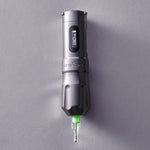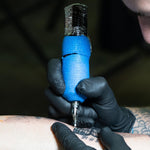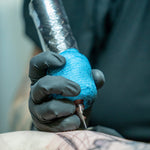

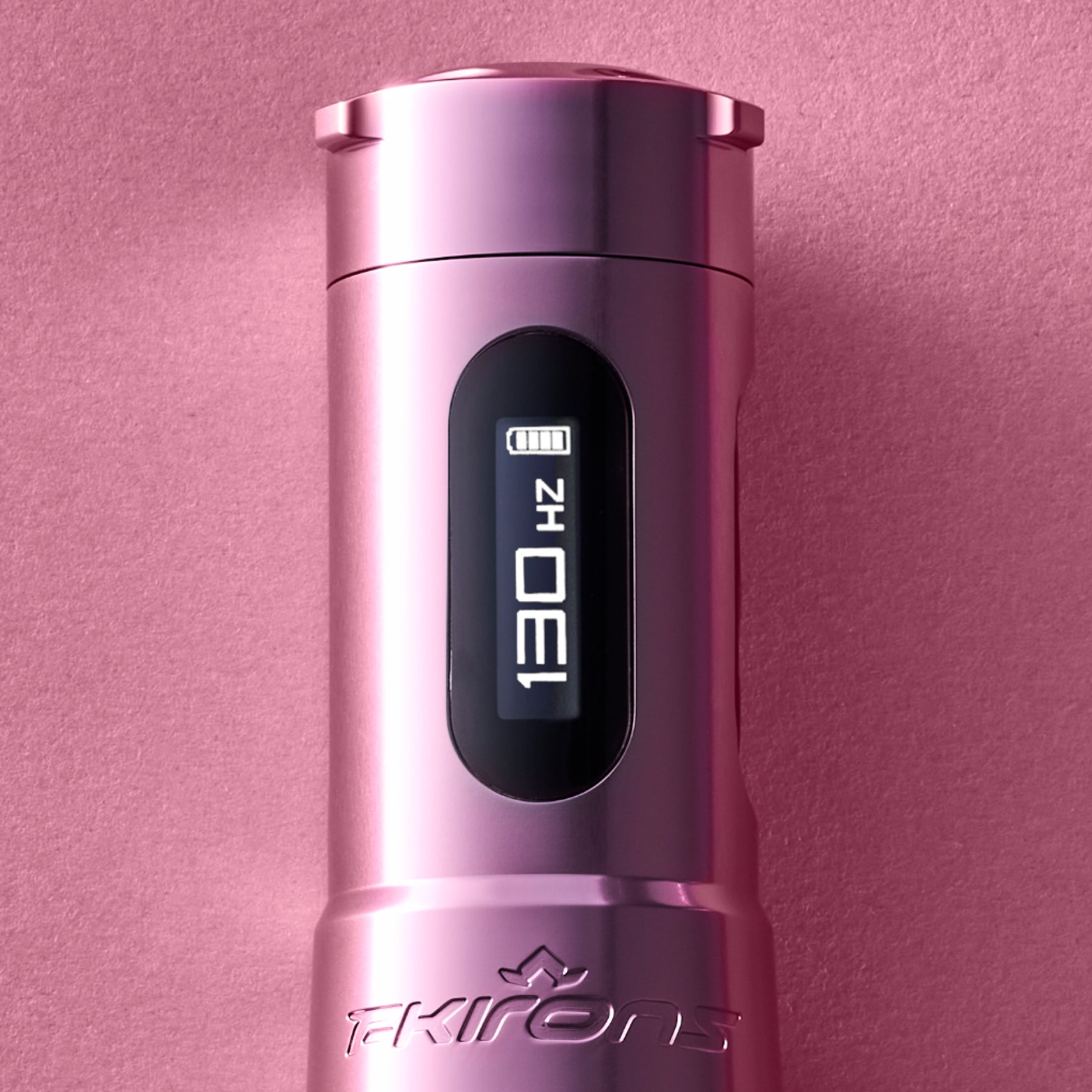
Modern tattoo machines give you more control than ever. Many wireless models now show Hertz on the screen instead of the voltage readouts most artists grew up on. That switch raises a fair question: what does the number actually tell you, and how does it shape your work? Hertz and voltage measure different things, and once you see how they connect, you can fine-tune your settings and get your best results.
This guide breaks down what Hertz means, how it compares to voltage, and how to set your speed for lining, shading, and color packing.
What Is Hertz (Hz) on a Tattoo Machine?

Hertz measures how many times your needle cycles up and down each second. One Hertz equals one full needle cycle, so a machine running at 120Hz completes 120 up-and-down cycles every second. A higher Hertz reading means the needle is moving faster. A lower reading means it's cycling slower.
Hertz measures how many times your needle cycles up and down each second. One Hertz equals one complete needle cycle, so a machine running at 120Hz completes 120 up-and-down cycles every second. A higher Hertz reading means the needle is moving faster. A lower reading means it's cycling slower.
Because Hertz measures the machine's actual operating speed, it gives you a clearer picture of how your setup is performing than voltage alone. Instead of guessing how changes to your machine affect needle speed, you can see the result in real time. That makes it easier to compare different machines, stroke lengths, needle groupings, and settings with greater consistency.A lot of terms get thrown around on a power supply screen, so it pays to keep the core machine termsOpens a new window straight and let the numbers work for you.
What Is Voltage on a Tattoo Machine?
Voltage measures the electrical power delivered to your machine's motor. Turn the voltage up, and you feed the motor more power, which usually speeds the needle up. Turn it down, and the needle slows.
The final speed depends on your machine’s motor, stroke length, mechanics, and other settings like give.So two machines set to the same voltage can run at totally different speeds and therefore have a different Hertz readout. For example, one machine at 8.0V might run around 150Hz. Another machine at 8.0V might sit closer to 120Hz.Before you compare the two settings, it's worth understanding how voltage worksOpens a new window on a rotary or wireless build.
Hertz vs Voltage: Using Them to Your Advantage
The simplest way to remember the difference is this: voltage is the power going in, and Hertz is the speed coming out. Voltage controls how much energy the machine receives, while Hertz shows how quickly the needle is cycling.
Understanding the relationship between the two helps you make more informed adjustments. A voltage change can affect your machine’s speed, but Hertz gives you a clearer picture of what’s actually happening at the needle. By paying attention to both, you can better understand how your machine responds to different settings and dial in the performance you need for each tattoo.
Why Are More Machines Switching to Hertz?
More machines show Hertz because it gives artists a cleaner, more repeatable reference for speed. When the number reflects actual needle cycles, your settings carry over from one session to the next. Here's what that shift does for you:
- Recreate a machine feel you like with far less guesswork
- Move between machines in the same lineup and hold your speed steady
- Fine-tune performance around your technique instead of a power estimate
For an artist sharpening a personal style, that consistency is the whole point. The number on the screen finally lines up with what the needle is doing.
How Hertz Affects Your Tattooing
Since Hertz affects how quickly the needle moves in and out of the skin, it can change how your machine feels and how it delivers ink. Lower Hertz settings can provide a slower, more controlled feel for techniques like smooth shading and blending, while higher Hertz settings can provide faster needle movement for techniques that require more speed and saturation.
Finding the right cycle rate for your technique helps your machine respond the way you want—giving you better control over your passes, hand speed, and overall workflow.
Hertz Guidelines by Style
Here’s a general overview of Hertz ranges that are often used across common techniques. Reminder: what works for one artist doesn’t always work for another, so none of this is set in stone.
Lower Hertz (Approx. 60–100Hz) for Fine Lines and Detail
Lower Hertz slows the needle cycle, which hands you more control for precise work. The slower rhythm gives your hand time to guide each movement, so it suits fine lines, small details, and delicate work where accuracy leads.
Medium Hertz (Approx. 100–140Hz) for Shading and Blends
Medium Hertz balances speed and control. That middle ground lays pigment down smoothly, which makes it a strong pick for black and gray shading, soft blends, and gradual transitions.
Higher Hertz (Approx. 140–180Hz+) for Color Packing
Higher Hertz cycles the needle faster for quicker, more efficient pigment delivery. When you're packing color or saturating an area, and your hand is moving fast, the faster cycle keeps ink flowing to match your pace.
Hertz Settings by Tattoo Style (Starting Points)
Use these ranges as starting points, not strict rules. Your ideal setting shifts with the machine, stroke length, needle grouping, hand speed, and personal preference.
|
Tattoo style |
Hertz range |
Why it works |
|
Fine lines and details |
~60 to 100Hz |
Lower cycles give a controlled feel for precision |
|
Shading and blending |
~100 to 140Hz |
Moderate cycles balance softness and efficiency |
|
Color packing |
~140 to 180Hz |
Higher cycles support faster saturation |
Some machines are tuned to sit comfortably in one of these ranges. So if you're weighing options for lining, shading, and packingOpens a new window, certain builds hold these speeds more naturally than others.

How to Find Your Ideal Hertz Settings
Finding your settings comes down to testing and tracking, not copying someone else's numbers. Start with a baseline, then adjust until the machine matches your hand speed and technique.
- Begin with the manufacturer's recommended range, then adjust from there based on your technique.
- Test different Hertz ranges and watch how each one affects needle control, skin response, ink flow, hand speed, and saturation.
- Keep notes on the settings that work best for each technique.
- Build a personal reference for lining, shading, and packing so you can return to what works.
Small, steady adjustments protect the skin and sharpen your results. That same care is how you keep your settings dialed inwithout overworking skinOpens a new window.
Take Command of Your Machine's Speed
Understanding Hertz puts real control back in your hands. The next step is running a machine that reads speed clearly and holds it pass after pass. At FK Irons, we build machines that deliver precise, consistent performance, so your settings translate straight into cleaner lines and smoother shading. Explore the tattoo machinesOpens a new window built to keep up with your technique and put these numbers to work on skin.